 OwnPDF
An iLovePDF alternative that works offline
For people who use iLovePDF’s tools every week. Those web tools upload your files, and Premium is $7 a month or $48 a year. OwnPDF runs every tool on your own computer, even offline. It costs $19.99 once, less than half a year of Premium.
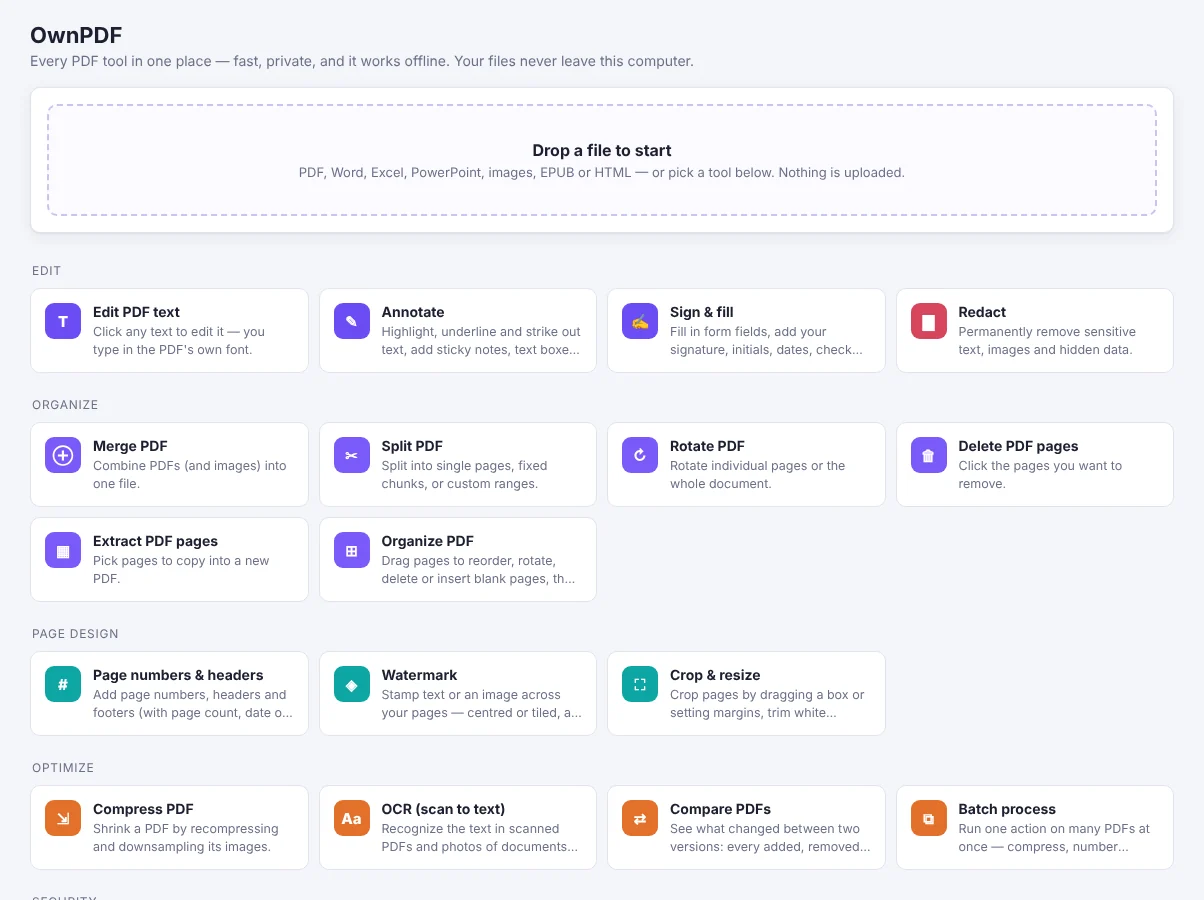
OwnPDF vs iLovePDF Premium
| OwnPDF | iLovePDF Premium | |
|---|---|---|
| What you pay | $19.99 once (free tools stay free) | $7/month or $48/year |
| Subscription | No — yours for good | Yes |
| Cancelling | Nothing to cancel | Cancel the subscription |
| Account needed | No | Yes |
| Where your files go | Stay on your computer, even offline | Web app uploads them to iLovePDF’s servers |
Prices from their public pricing pages, checked November 2026: iLovePDF pricing. iLovePDF is a trademark of its owner; OwnPDF is independent and not affiliated.
Stay with iLovePDF if you need its phone apps or a team plan. For private, offline work on your own PDFs, OwnPDF does the same jobs without uploads or renewals.
How to switch from iLovePDF with OwnPDF
Add OwnPDF to your browser
Free, no sign-up.
Use the free tools
Merge, split, rotate, reorder and compress without loss. Turn images into PDFs and back. All free and unlimited, and none of them add a watermark.
Need more?
Edit text, sign, redact, OCR, compare and Office conversions unlock with a one-time $19.99 license.
Questions
Why does offline matter?
Contracts, IDs, payslips and bank statements never leave your computer. No one else can see them, keep them or scan them.
Can it convert to Word, Excel and PowerPoint?
Yes, with the lifetime license. It all happens on your computer.
Does it work on many files at once?
Yes. With the lifetime license you can compress, OCR, password-protect, watermark or number the pages of many files in one go.
Pay once and keep it.
Start with the free tools. Unlock everything for $19.99, one time.
More guides